
This is blog about second day of my journey to create a personal web.
Add my own color palette
Currently, the site looks like this.
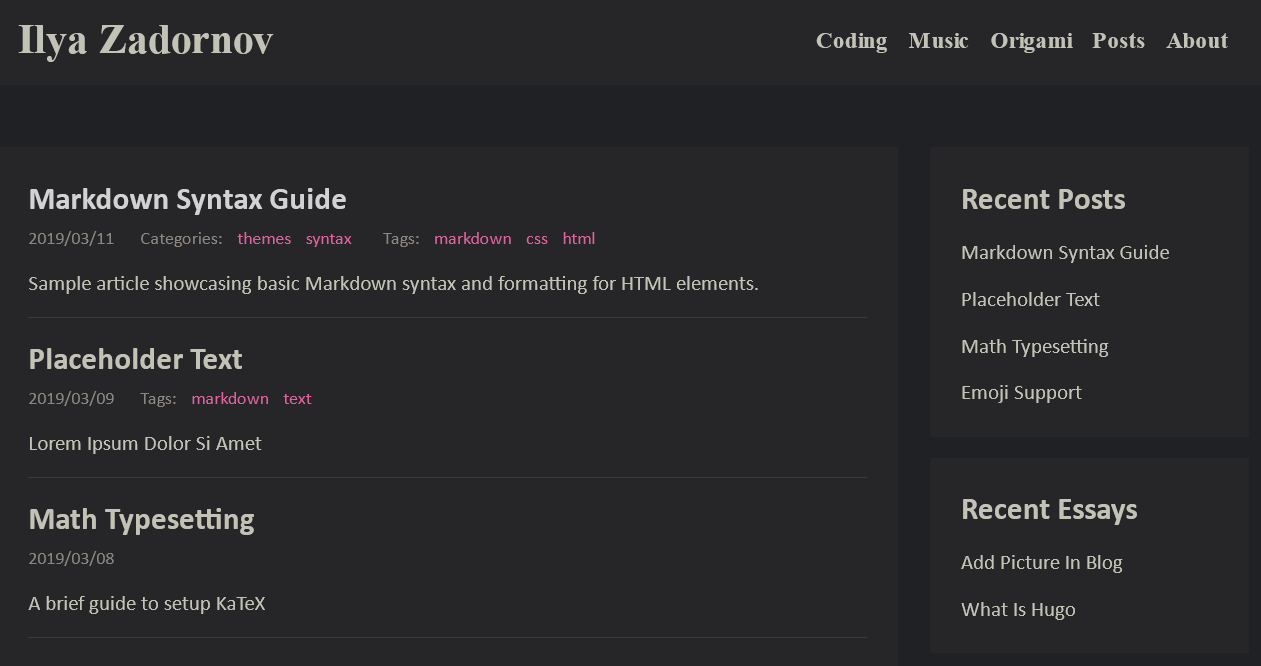
It’s just the hugo-theme-flat template and nothing more. In the future, I might add a section on how to configure and set everything up (HUGO + hugo-theme-flat). For now, just a glimpse into the development process. I really dislike the brown colors.
The first step is to change them to something else, but first, I need to find out where this is done.
It turned out that the colors are conveniently located in a single file, which is located at /static/css/style.css.
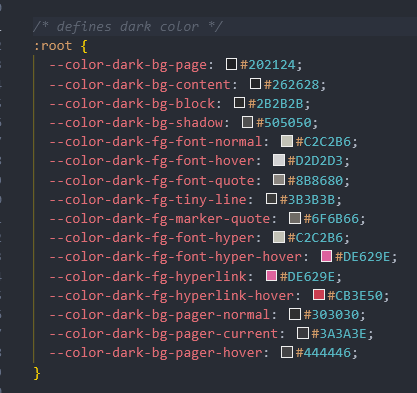
After figuring out how this template is structured, I changed the colors. I removed the default color. I removed categories that I won’t be using. Why have them if everything is already divided into types like Posts/Origami/Coding, etc.?
For the new design, I took inspiration from the minimalist design of Libre.Town.
I highly recommend checking out this wonderful place!
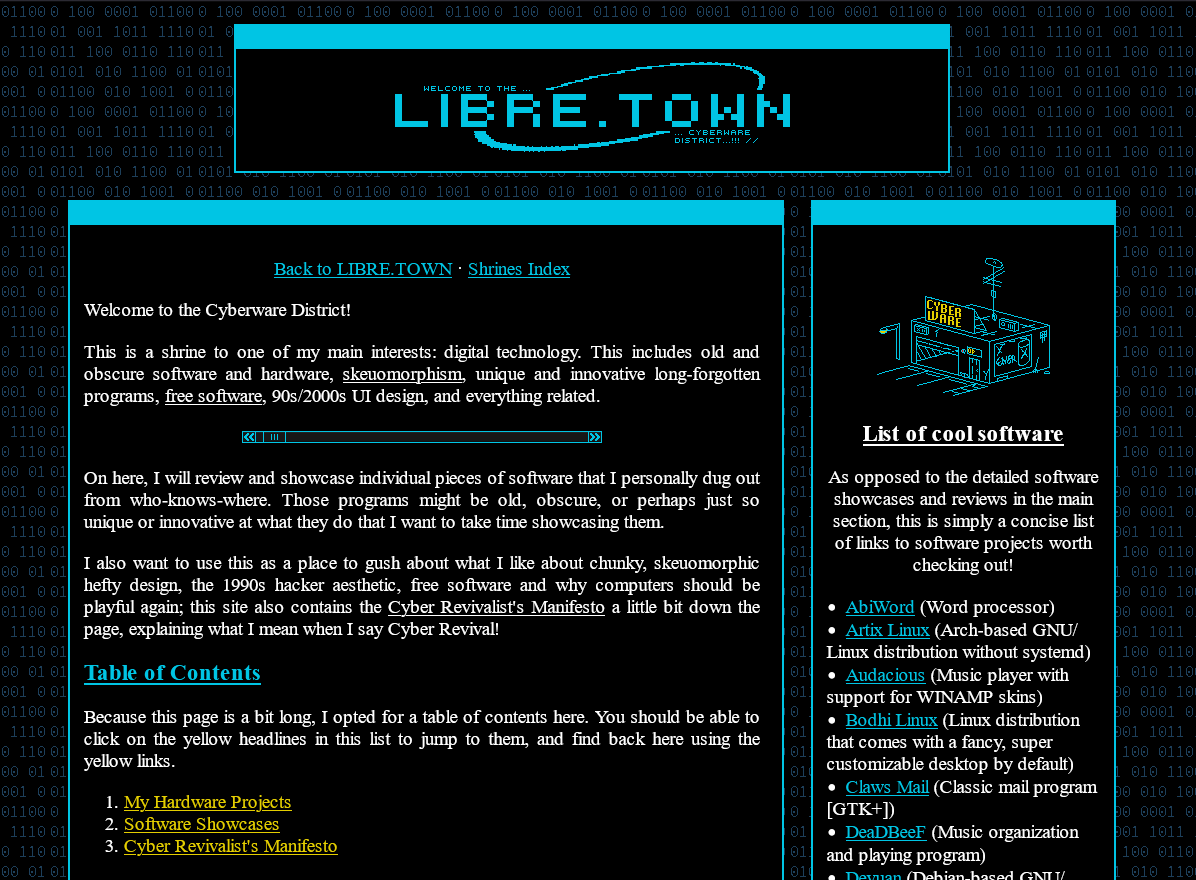
So, after spending some time reviewing and studying their code, I started rewriting my templates from the theme, and here’s what I have by the end of today.
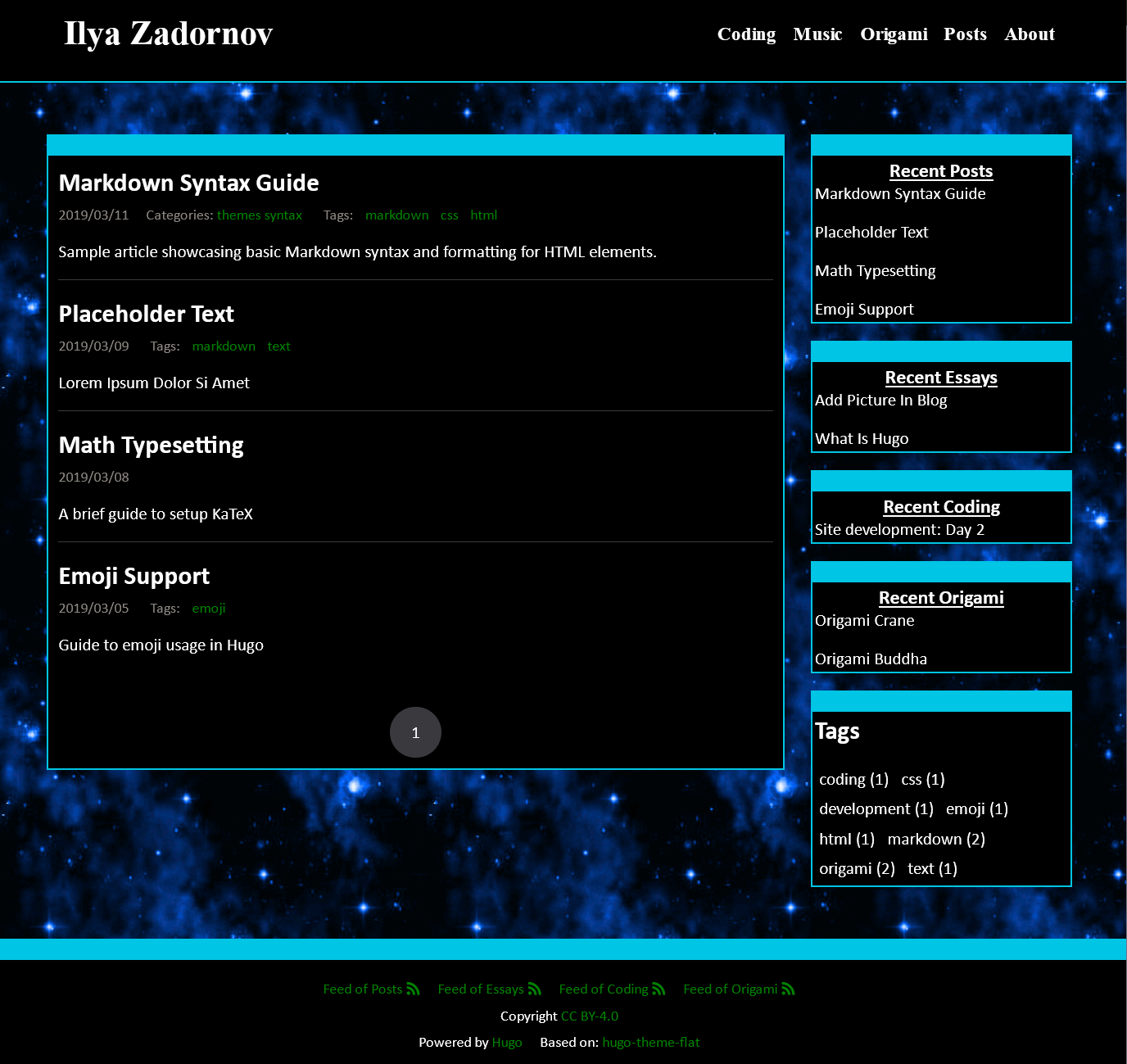
Yes… I understand, it’s not as beautiful as libre.town, but we’ve just started :>
In the end, having files on the PC is good, but it’s still better to keep them in a more reliable place. For storage, I’ll use my long-established GitLab instance.
Project Setup Complete: Now Secure in GitLab!
So, I created a new project in my GitLab instance and pushed everything there. Now that the project is added to Git, it’s safe!
Who is a good boy? Cheers! :>